
XB Controller X
An Xbox controller for the phone or tablet you already have.
Make your phone or tablet the controller for an Xbox One or Series X|S you own. Gamepad mode plays through Remote Play. The local remote runs menus and media on your home network, without a Microsoft sign-in. The game stays on the TV.
Privacy policy →Screenshots
What it does
Free to install, with ads. Pro removes the ads and adds backgrounds. Your own Xbox is required.
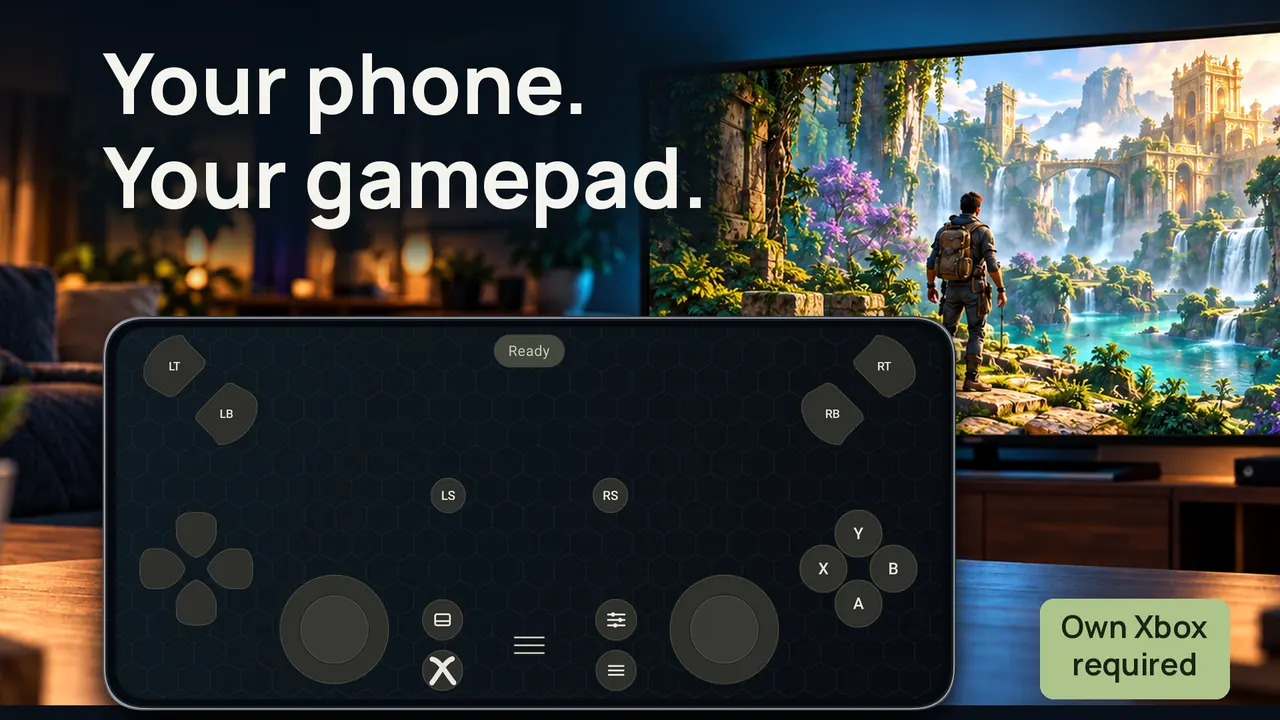
Touch gamepad
Two sticks, a D-pad, triggers, bumpers, stick clicks, ABXY and the system buttons. Gamepad mode connects through Xbox Remote Play. The picture stays on the display attached to the console, not in the app.
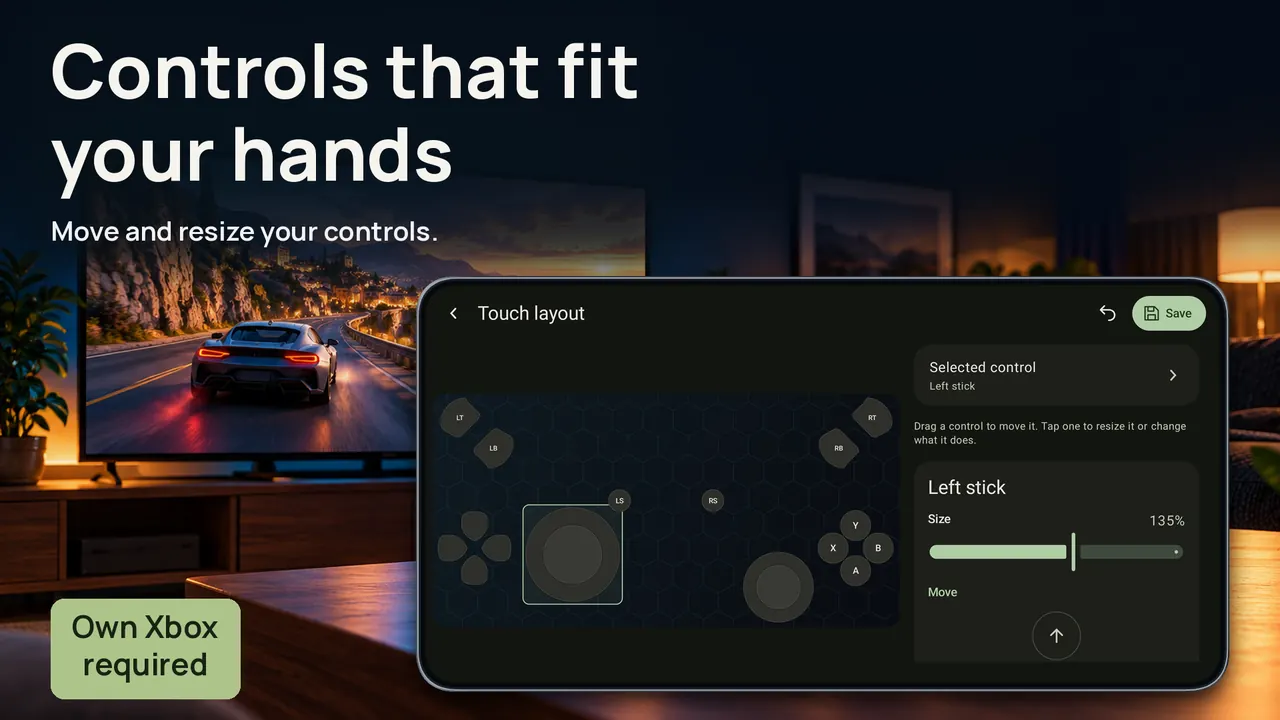
Layouts for your hands
Move and resize the controls, then save a layout for the gamepad and another for the local remote. Phone and tablet both have room for it.
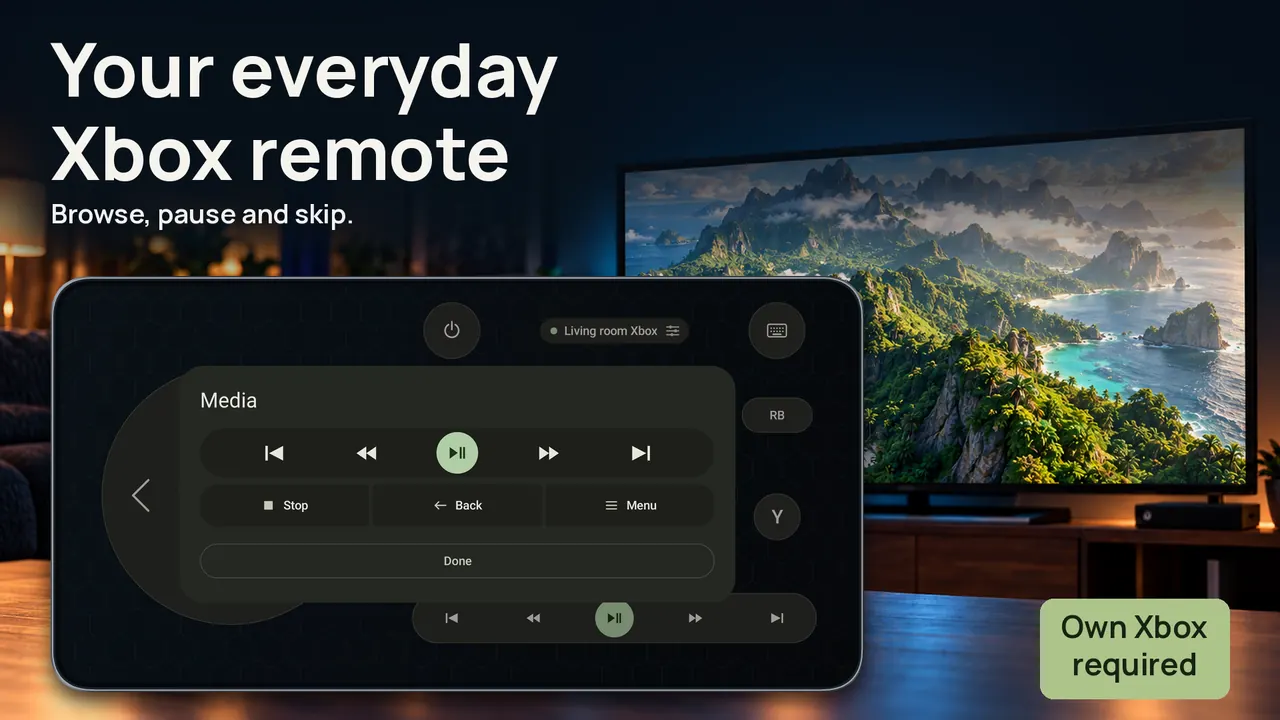
Everyday remote
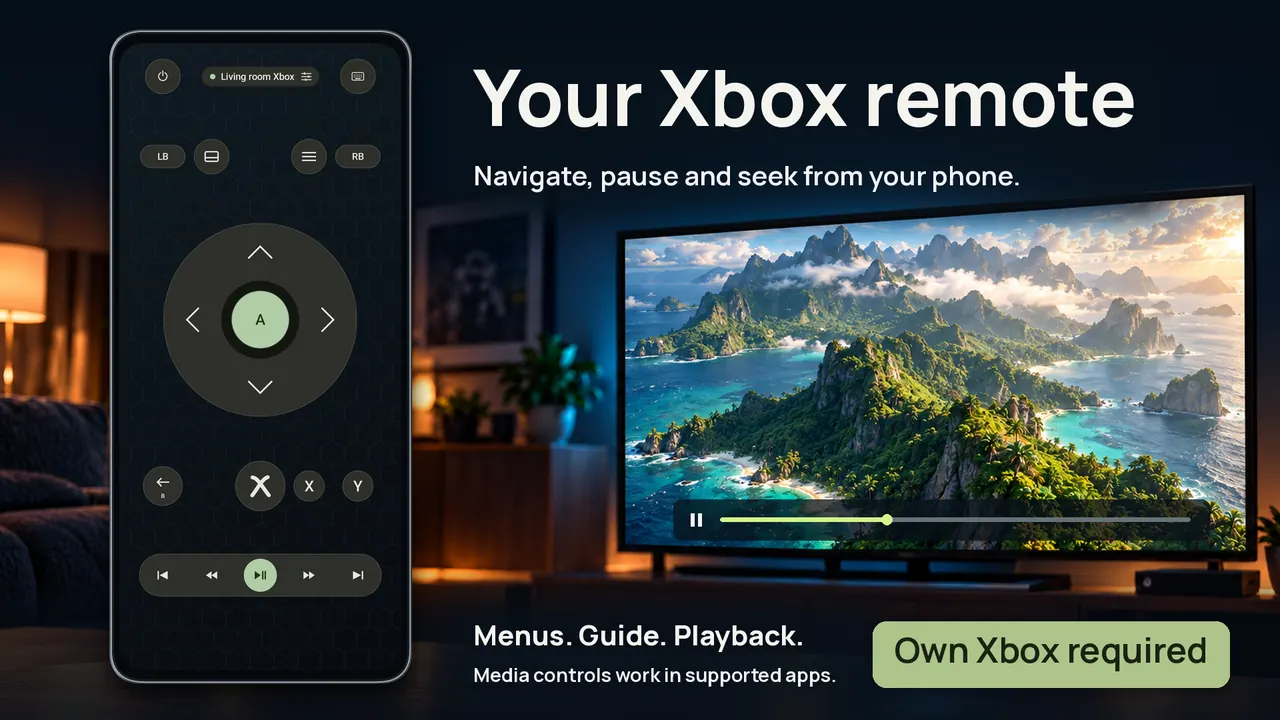
Browse menus, return Home, open the Guide, and control playback in compatible media apps. Local remote mode works on the same network, including when the Xbox is on Ethernet. It does not need a Microsoft sign-in, and it does not play the game.
Type from your device
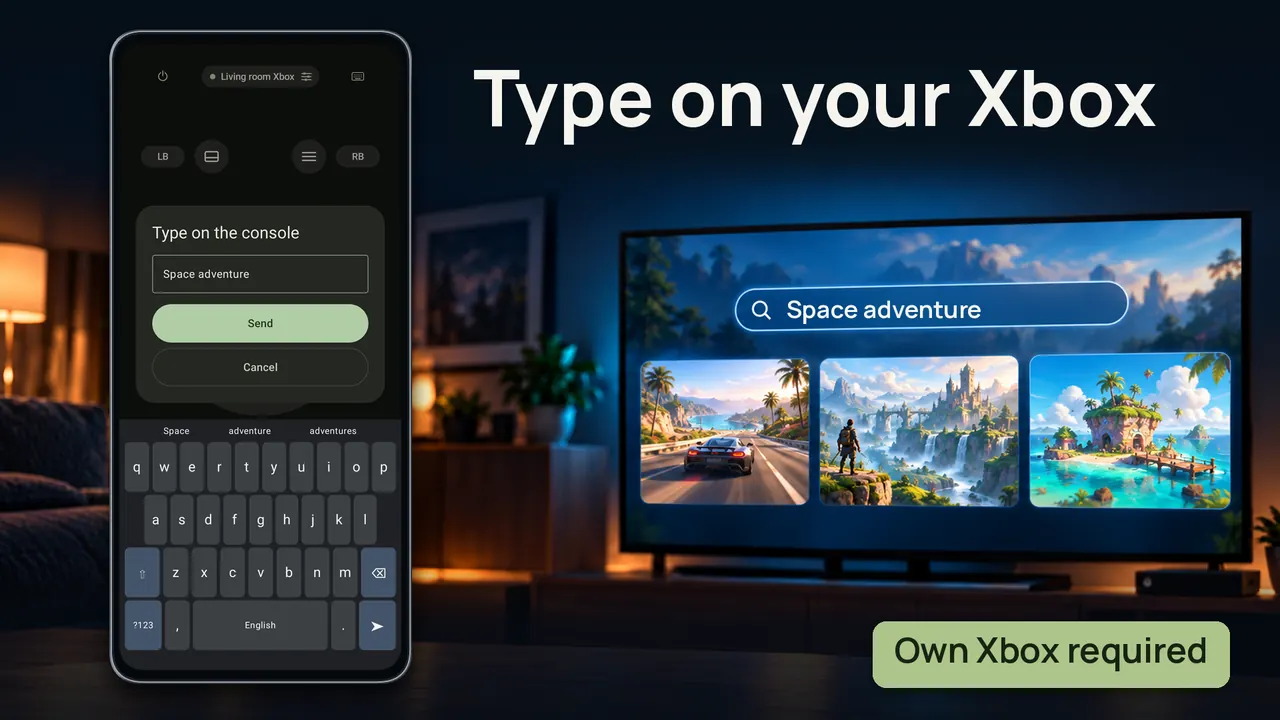
The on-screen keyboard sends text to supported Xbox text fields. Open the field on the console first. Some apps and fields do not accept it.
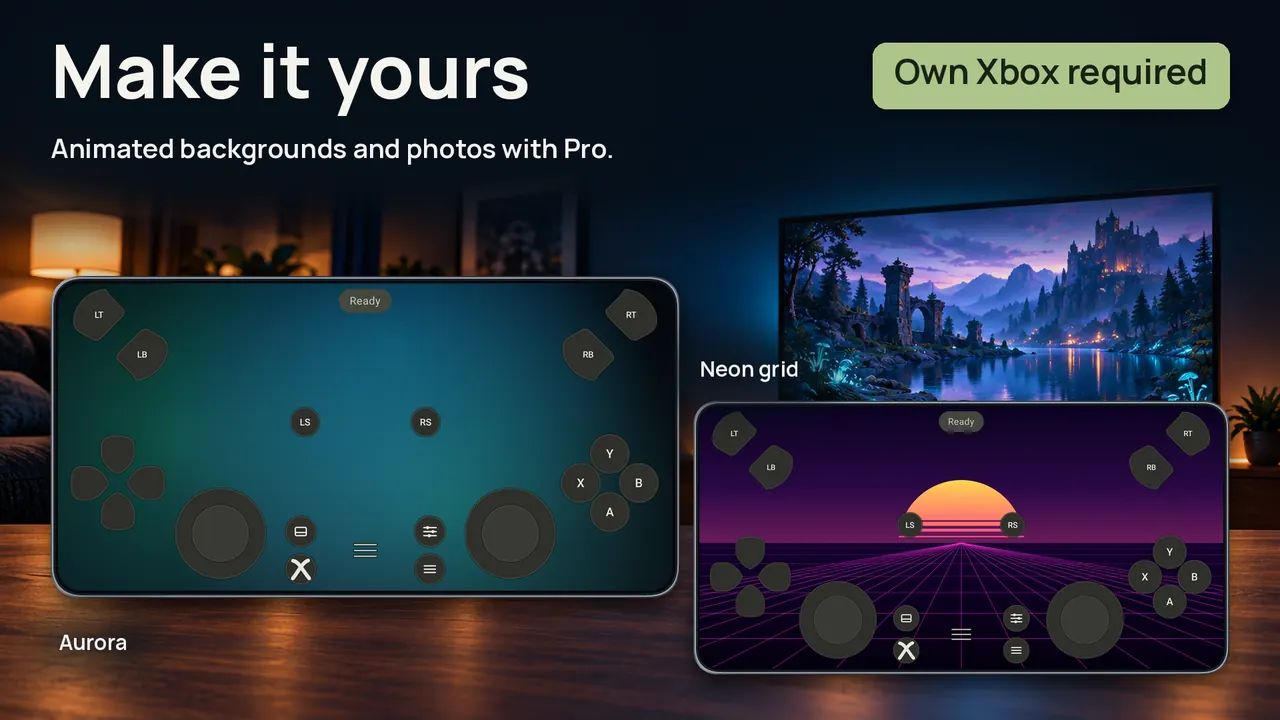
Backgrounds
Static backgrounds are included. Pro adds animated backgrounds and your own photos, with position, zoom and dimming.
What you need
An Xbox One or Series X|S that you own. Xbox 360 is not supported. The app includes no games, no cloud gaming and no Game Pass.
The picture stays on the TV
This is a controller, not a streaming app. Gamepad mode sends your input over Xbox Remote Play, and the game stays on the screen connected to the console.
Local remote mode is the other half. On the same network you can browse, pause and seek without signing in to Microsoft.
Questions
The ones we are asked most. Anything else, write to us.
What do I need to use it?
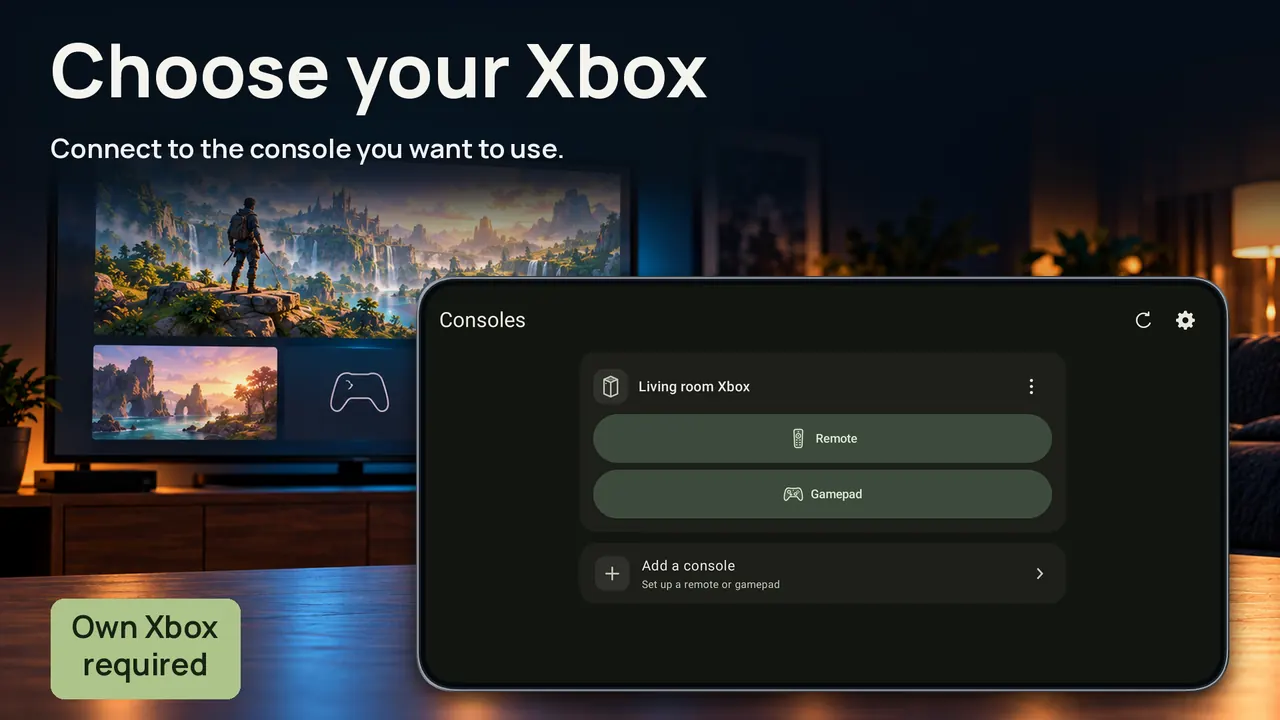
Your own Xbox One or Series X|S. Xbox 360 is not supported. Gamepad mode needs an internet connection, a Microsoft sign-in, and remote features enabled on a console linked to that account. Local remote mode needs the phone or tablet and the Xbox on the same network, with connections from other devices allowed in the Xbox remote settings.
Does the game appear on my phone?
No. The picture stays on the TV. The app does not include games, cloud gaming or Game Pass, and it does not stream the console display.
What is the difference between the two modes?
Gamepad mode is a full touch controller through Remote Play, and it needs a Microsoft sign-in. Local remote mode covers menus and media on your home network. It does not need a sign-in, and it has no gameplay controls.
What does Pro change?
Pro removes ads and adds animated backgrounds plus your own photos. The gamepad, remote, layout editor and keyboard are in the free app.
Is this made by Microsoft?
No. XB Controller X is an independent app made by Hetko and is not affiliated with or endorsed by Microsoft. Xbox is their trademark.
Use the phone you have
Free on Google Play. Your own Xbox One or Series X|S is required. Not affiliated with Microsoft.