
Nineteen faces, legibility first.
Every face here is built for Wear OS and has to pass the same test: readable at a glance in daylight, readable in always-on mode, and honest about battery. Complications are configurable, and none of them shout. Each face is a one-time purchase on Google Play - there is no subscription.
All watch faces
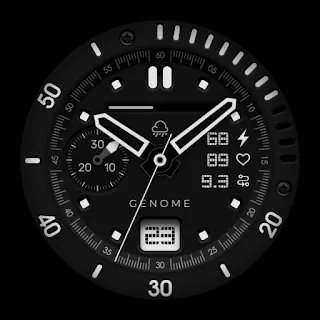 BoelAnalog, bezel charge scale
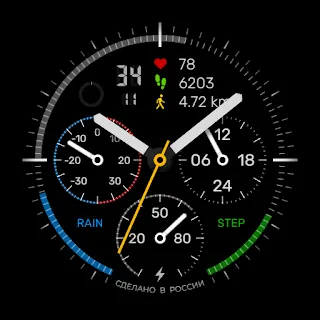 Classic 1501Analog, multi-dial data
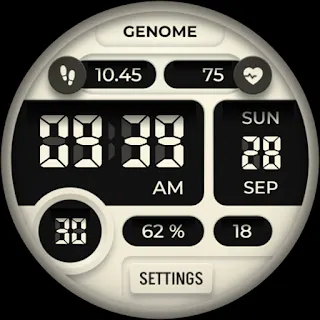 CrafterDigital dashboard
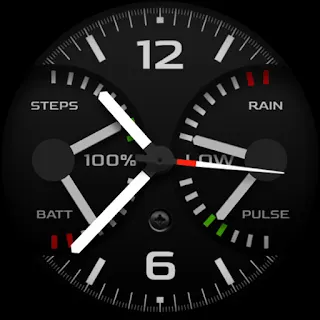 Dark scaleTechnical dashboard
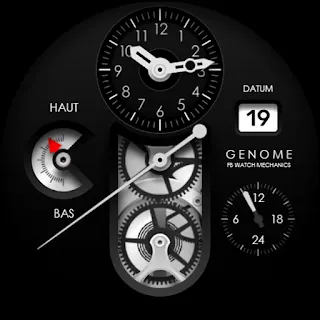 FBM 1911Skeleton analog
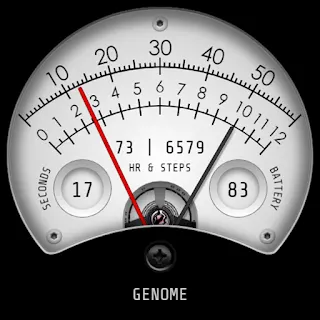 GELRetro industrial gauge
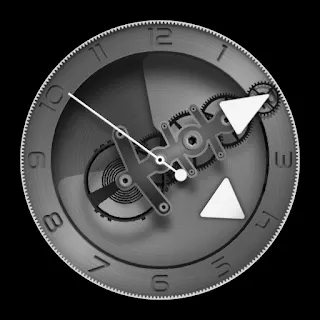 GEN 605Mechanical, moving gears
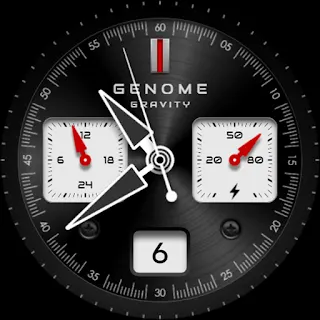 GravityTechnical chrono dial
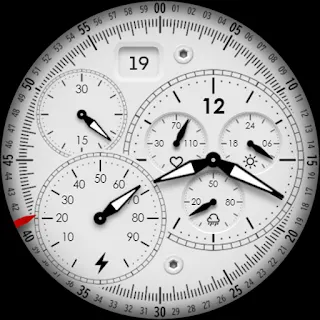 InsiderAnalog complications
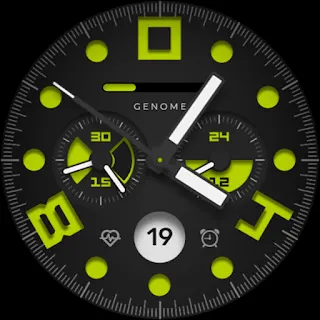 LaternSporty chrono utility
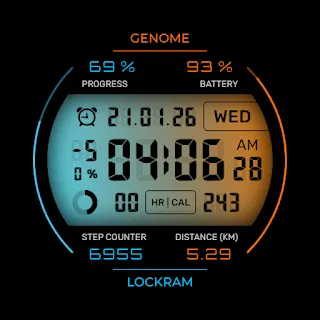 LockramDigital, large numerals
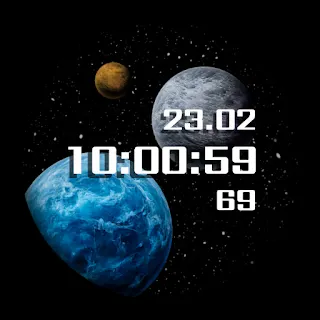 PL2Animated planet scene
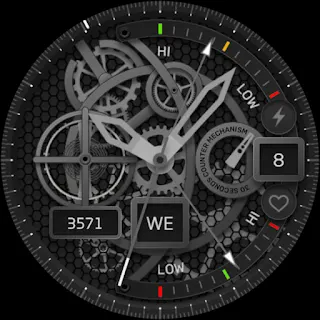 SetcomMechanical skeleton
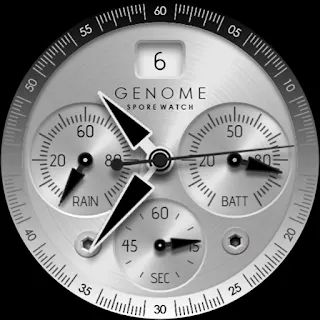 SporeAnalog chronograph
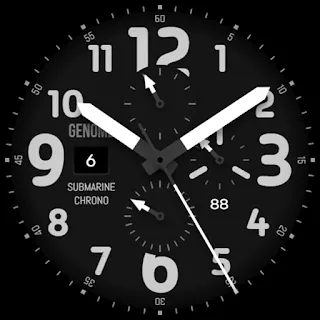 SubmarineAnalog tool watch
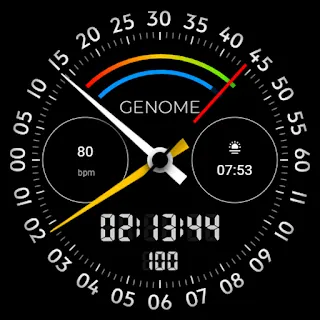 UpdorModern data dashboard
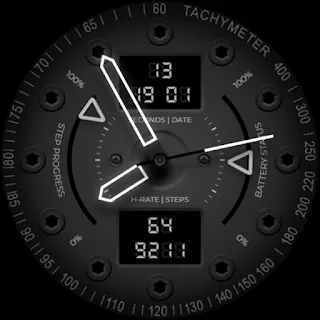 VintenNeon activity tracker
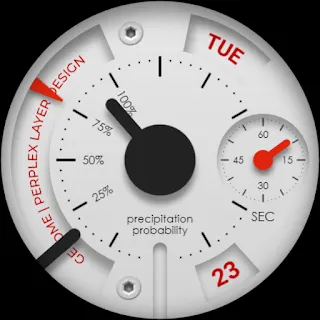 WBR 1109Instrument panel
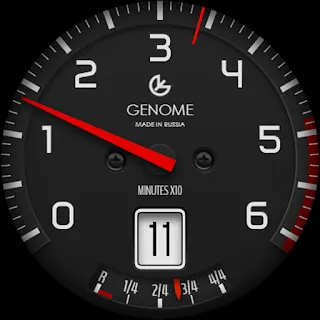 x10Racing tachometer
Complication data never leaves the watch. Privacy policy →
How to install
- Buy the face on Google Play from your phone.
- Open the Play Store on the watch, or wait for it to sync.
- Long-press the watch face, tap Add, then choose the new one.
- Tap the gear to set complications and colours.
Compatibility
Tested on Pixel Watch, Galaxy Watch 7 and later, and recent TicWatch models. Wear OS 5 or newer is required - older watches cannot install these formats. If a face misbehaves on your model, mail us and include the watch name.
Mail us about your watch →Questions
The ones we are asked most. Anything else, write to us.
Which watches are supported?
Wear OS 5 and newer: Pixel Watch, Galaxy Watch 7 and later, and similar recent models. Older Wear OS versions and Apple Watch cannot install these faces.
I bought a face and it is not on the watch.
Open the Play Store on the watch itself and check My apps; installation can lag behind the purchase by a few minutes. If it still does not appear, restart the watch, then mail us the order number.
Can I change the complications and colours?
Yes. Long-press the face, tap the gear, and set each complication slot and the colour scheme. Choices are remembered per face, so you can keep two variants configured differently.
Refunds
Google Play handles refunds within their window, and we approve requests outside it if the face genuinely does not work on your watch. Mail us rather than leaving a one-star review - we would rather fix it.