XBPlayer
Your Xbox library, on the screen you have with you.
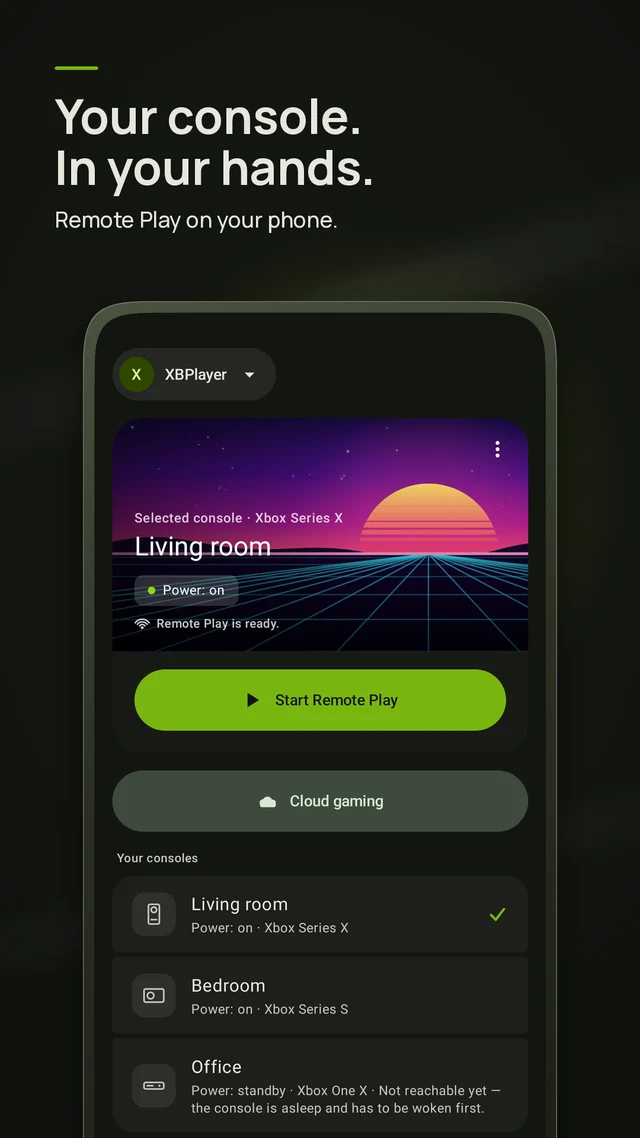
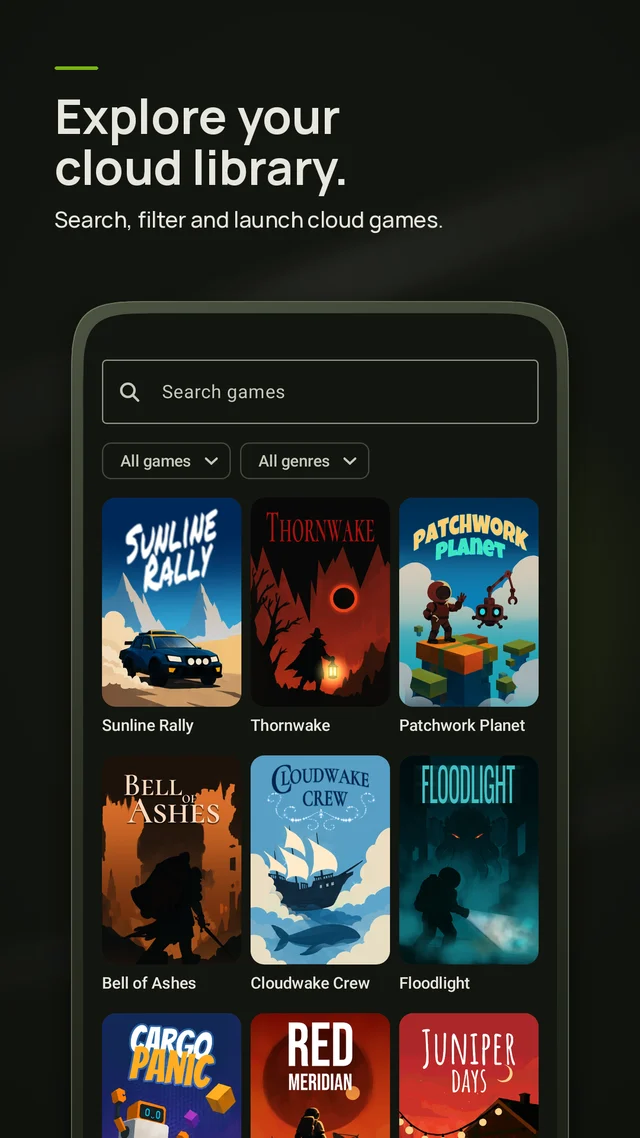
Remote play and cloud gaming in one app. Wake the console and stream it over your own network, or play from the cloud when you are away. Pair a controller, pick a layout that fits your screen, and get back to the save you left.
Privacy policy →Screenshots
What it does
One app for both ways of playing, so you do not have to think about which network you are on.
Remote play at home
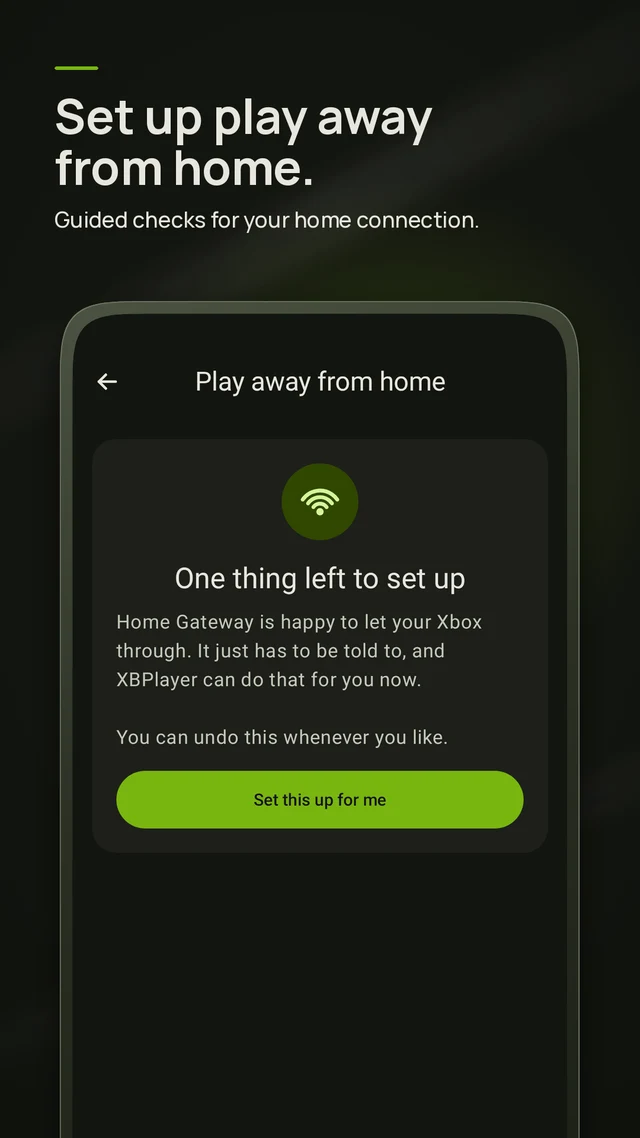
Find the console on your network, wake it from standby, and stream your installed games at low latency without touching the TV.
Cloud when you travel
Switch to cloud streaming on hotel or mobile connections, with a bitrate that adapts instead of stalling mid-match.
Controllers and touch
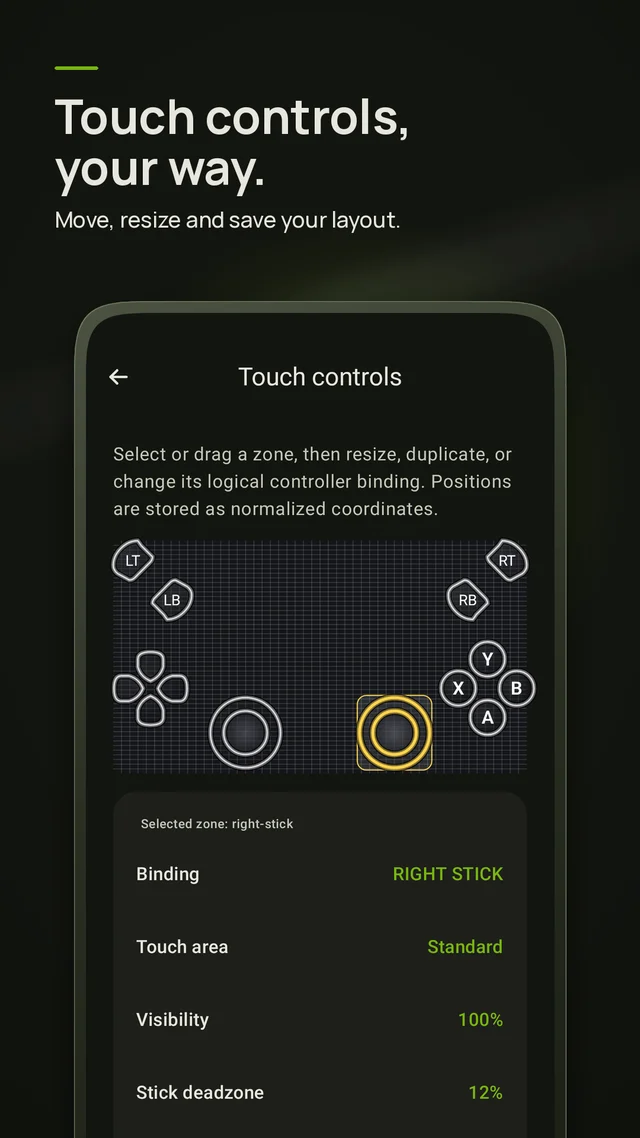
Bluetooth and USB gamepads pair directly. Without one, use a touch layout you can move, resize and hide per game.
Made for handhelds
The Steam Deck build reads native controls, launches in Game Mode, and keeps the interface navigable with sticks alone.
Diagnostics you can read
An optional overlay shows bitrate, frame time and packet loss, so a bad session tells you which link is at fault.
Straight back to the game
Recent titles sit on the first screen and reconnect in one tap. No launcher tour, no store pages you did not ask for.
Steam Deck build, in beta now
The handheld version works, and it is still rough in places: suspend and resume, external displays, and a few controller mappings are on the list. Testers get builds early and a direct line to us.
Windows and macOS builds are further out. If either matters to you, say so and it moves up.
Questions
The ones we are asked most. Anything else, write to us.
What do I need to use it?
An Xbox account, and for remote play a console on the same network with remote features enabled. Cloud streaming needs whatever subscription Microsoft requires for the titles you want to play.
The stream stutters. What should I check?
Turn on the diagnostics overlay and watch which number moves: packet loss points at Wi-Fi, high frame time at the device, low bitrate at the upstream link. Wired console, 5 GHz band and a lower resolution cap fix most cases.
How do I join the Steam Deck beta?
Write to us with the word Deck in the subject. We send a build and a short note on what is still rough. Testers get updates before release and can mail feedback straight back.
Is this made by Microsoft?
No. XBPlayer is an independent client made by Hetko and is not affiliated with or endorsed by Microsoft. Xbox is their trademark.
Try it on your own connection
The free mode is long enough to judge latency at home and away. Xbox account required; not affiliated with Microsoft.